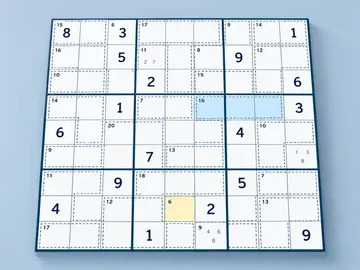
Sudoku
How to play Sudoku
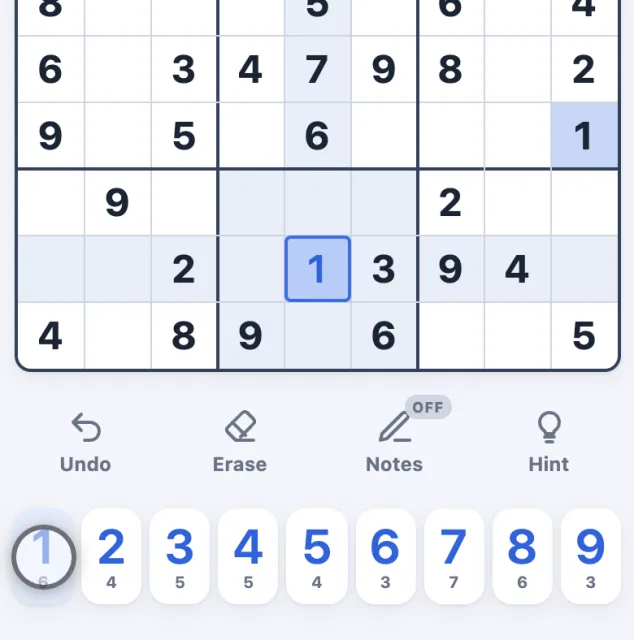
1Tap an empty cell, then tap a number to fill it in.
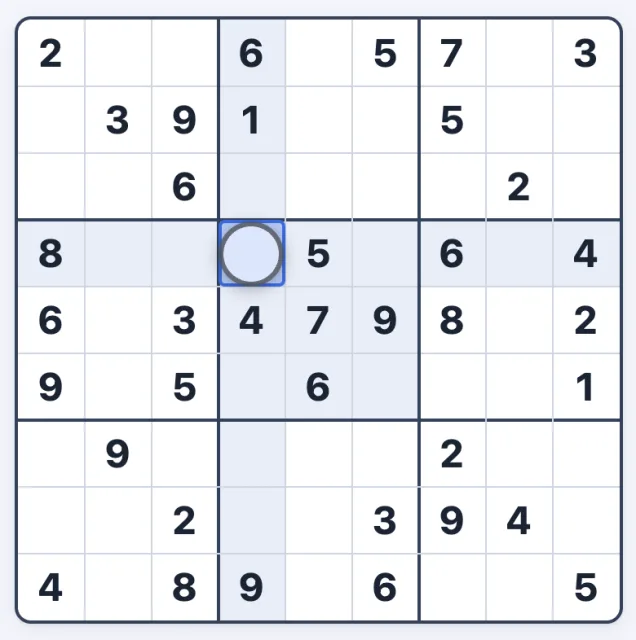
2Fill every row, column and 3×3 box with 1 to 9, each used once.

3A number used twice in a row, column or box turns red.
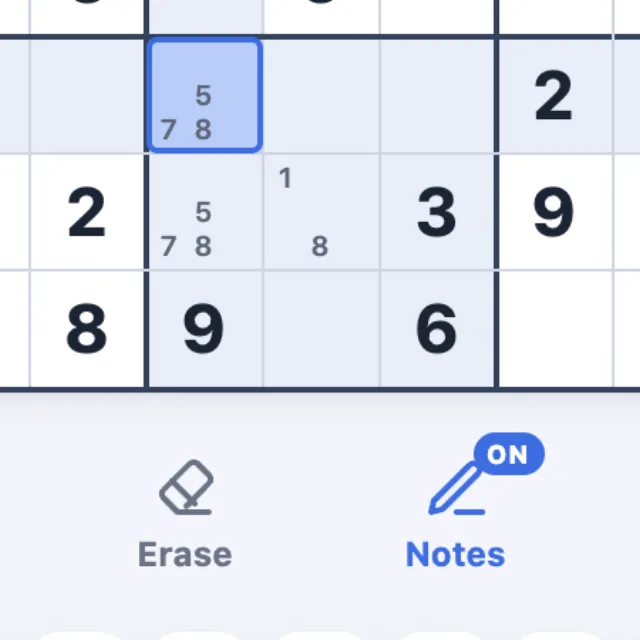
4Turn on Notes to pencil in the numbers a cell might hold.
Tip: for full screen with no Safari bars, tap Share then Add to Home Screen.
Today's puzzle: Daily Sudoku →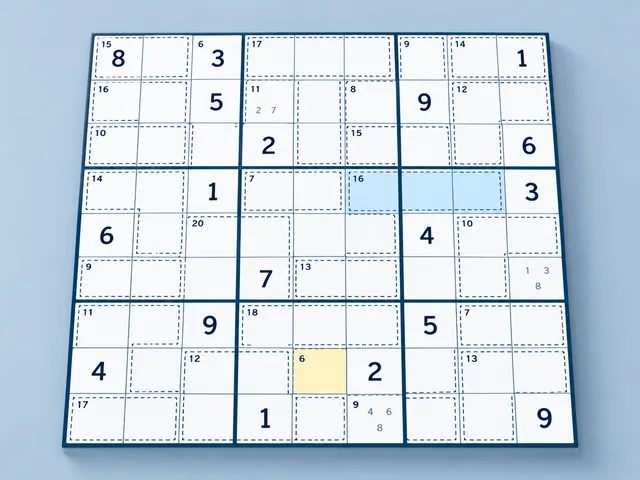 Up nextKiller Sudoku Play →
 About Sudoku
Free Sudoku, four levels, every puzzle solvable by logic alone.
- Easy, Medium, Hard and Expert
- Notes, hints and unlimited undo
- Optional three-mistake limit
- Daily puzzle, best times and streaks
Controls
Touch & mouse Tap a cell, then a number. Turn on Notes to pencil in.
| 1–9 | Fill |
| Shift+1–9 | Note |
| Arrows | Move |
| Backspace | Erase |
| N | Notes mode |
| Z | Undo |
| H | Hint |
| P | Pause |